Select the course you are interested in, and select Enroll.
BCYF’s Course Registration page and #bcreds are both new, so most people will need to create an account.
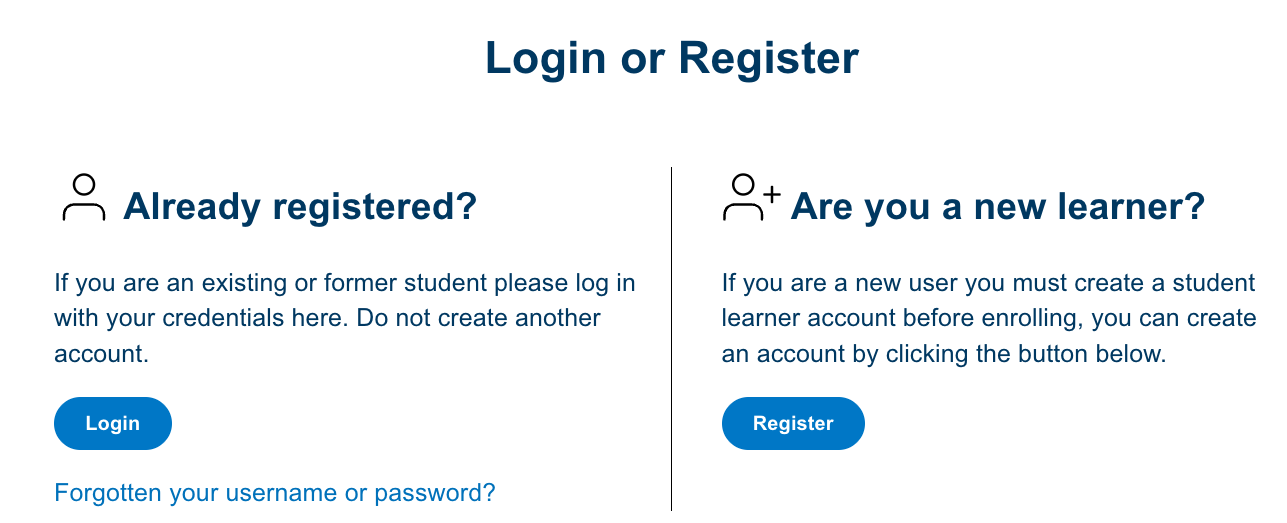
To create an account, you’ll need to share some basic information like your name, email address, etc.
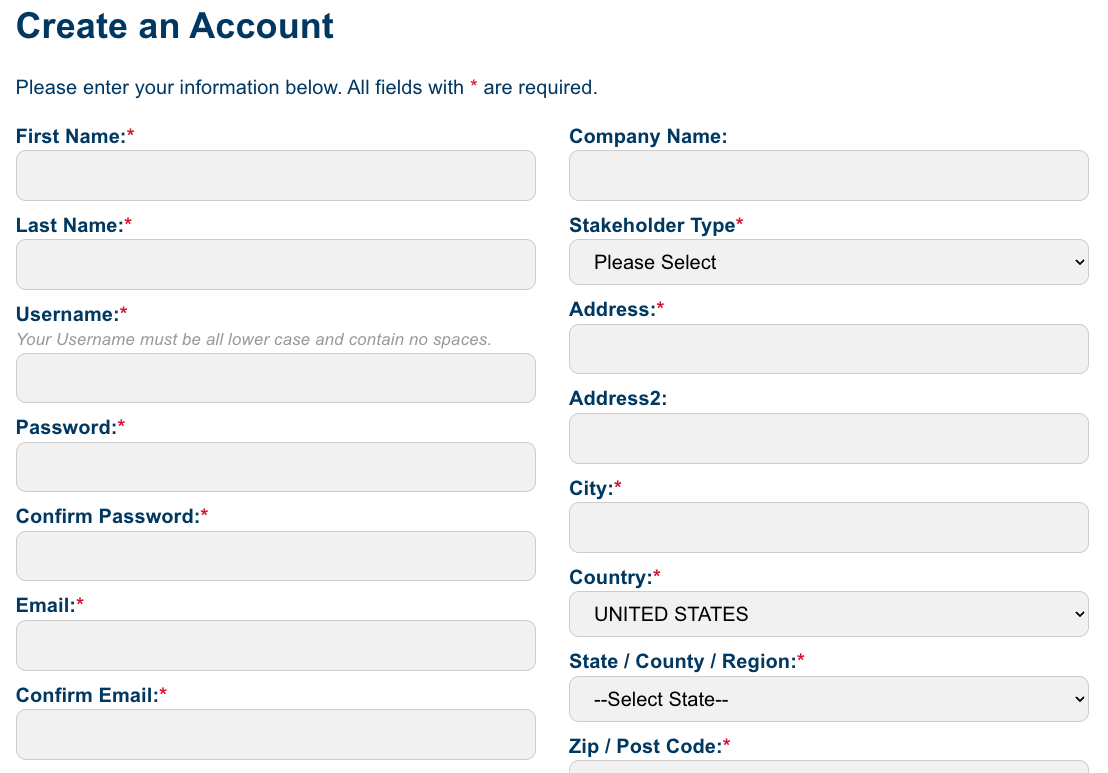
Once you’ve created your account, the site should automatically log you in – you should see your name in this format: “My Account - First Last” in the top right corner of your page.

From there you’ll review and complete enrollment.
You should receive a confirmation email with the course access information and the site will automatically log you into BCYF’s Brightspace.
If you are ready to start your course, go right ahead! If you want to exit and return later, make sure to save your login information.
BCYF will offer a waiting list when we know courses are coming, but not quite ready for enrollment. Select Join the Waiting List.
You will receive an on screen confirmation, but not via email. When the course is ready to launch, the BCYF Courses Team will send you an email with an update and your options for enrollment.
What happens if I cannot log in?
If you are not able to log in – please close your browser and try to login at courses.bcyfund.org again. Sometimes trying a new browser window or a different browser will work. If you are still not able to log in, please select the Contact Us option from the courses.bcyfund.org menu or email us at courses@bcyfund.org.
How do I reset my password?
If you have an existing account, select Login on the top menu and then select Forgotten your username or password under the Login button.

Follow the instructions to reset your password.
Please Note: the password reset link you receive via email will expire within 72 hours.
Baltimore area residents have access to the courses free of charge.
